Key points
- Bookmark the dashboard on the device you use most.
- Start with one state game you already play.
- Set a weekly budget before your first draw.
Day one
- Open your login email and sign in.
- Bookmark the page or add it to your home screen.
- Use the budget planner to set your weekly amount.
Pick one game
Choose a state game you already know, like a Pick 4 or Fantasy 5 style draw. Sticking to one game at first makes the charts easier to learn.
Learn the three charts
- Group ring: the overall split of numbers.
- Frequency bars: which numbers have been busy or quiet.
- Trend line: recent movement.
More detail is on the Visual Chart Suite page.
Make it a routine
Open Apollo AI at the same time before each draw you plan to play, click the generator once and note your set. The whole thing takes about five minutes.
Before day 14
Decide whether Apollo AI fits your routine. If not, contact support for a refund inside the 14-day window.
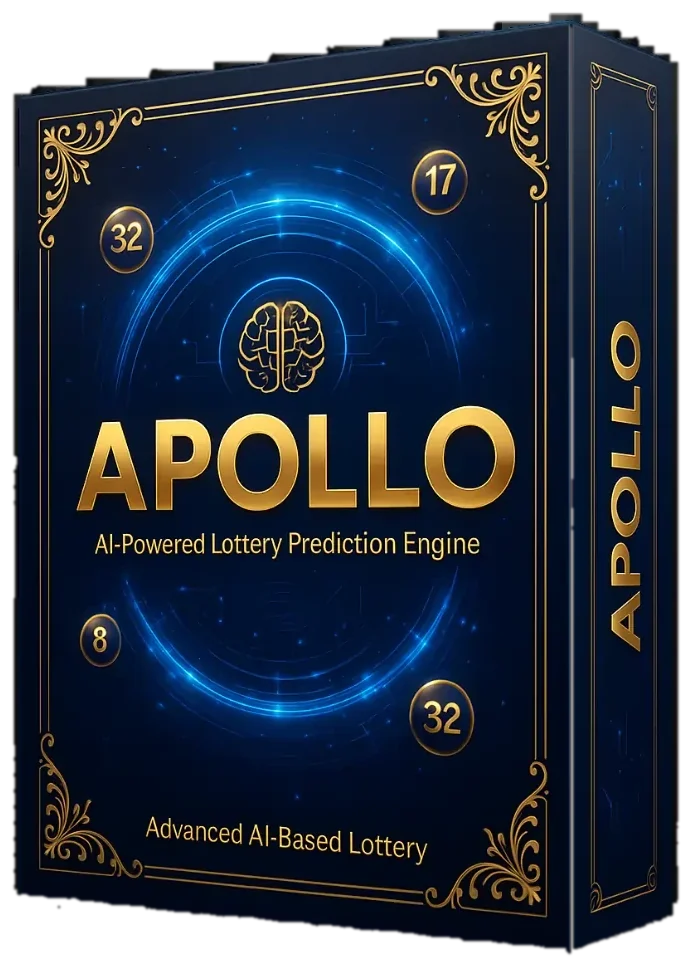
Apollo AI charts past US draws and builds a set in one click. $147 once, 14-day refund.
Order Apollo AIGeneral information for US readers, not legal or financial advice. Lottery draws are random.